AI product pages for fashion brands

From mannequin to merchandised in minutes.

Shoot your sample on a mannequin. Merchd turns it into a complete product page: on-model images from every angle, published to your store with your product details.

Publishes to Shopify, WooCommerce, Magento, BigCommerce and Faire
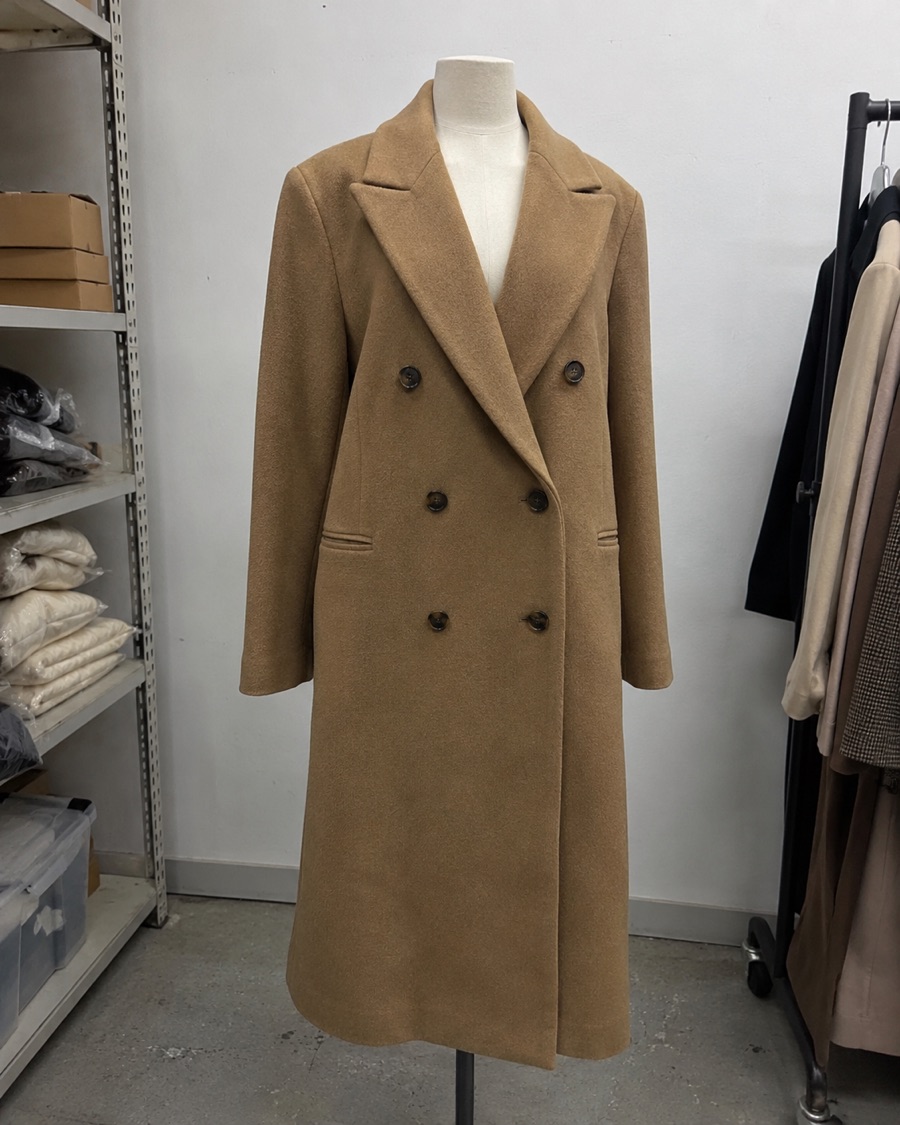
The same overcoat on a dress form in a stockroom, photographed on a phone BEFORE: YOUR SAMPLE AFTER: YOUR PDP

Drag to compare

Listings that publish to

How it works

Skip the shoot.
Keep the standard.

No model bookings, no studio day, no retoucher.
The sample you already have is where it starts.

  1. 01

    Shoot the sample.

    On a mannequin, a hanger or flat on a table. A clear phone photo is enough. Add a back photo if you want back views.

  2. 02

    Generate the set.

    Pick a model and a look. Merchd produces front, back, detail and lifestyle shots of your garment.

  3. 03

    Publish the listing.

    Send the images and your product details to Shopify, WooCommerce, Magento, BigCommerce or Faire.

One sample. One complete listing.

Everything a product page needs.
Nothing it doesn’t.

Every shot here started from the mannequin photo above.
Built to match your garment, and yours to review shot by shot.
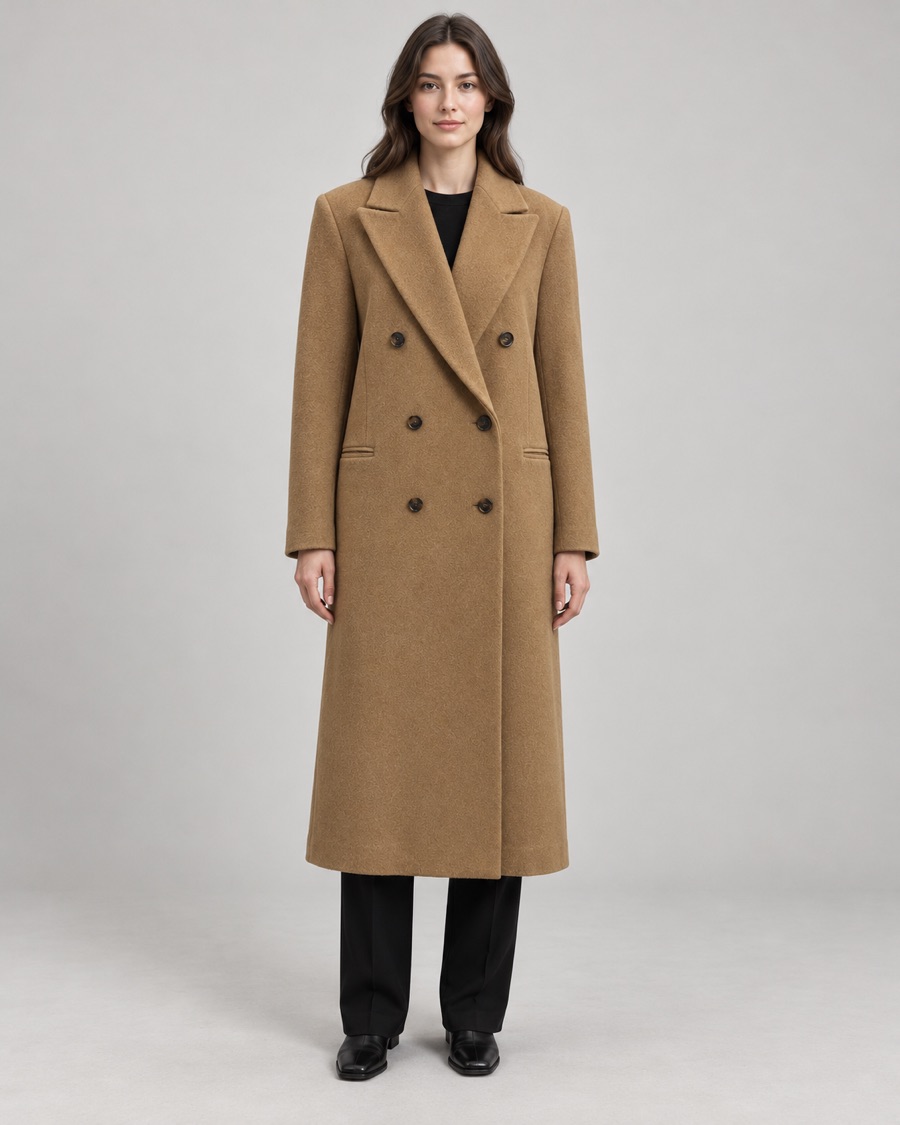
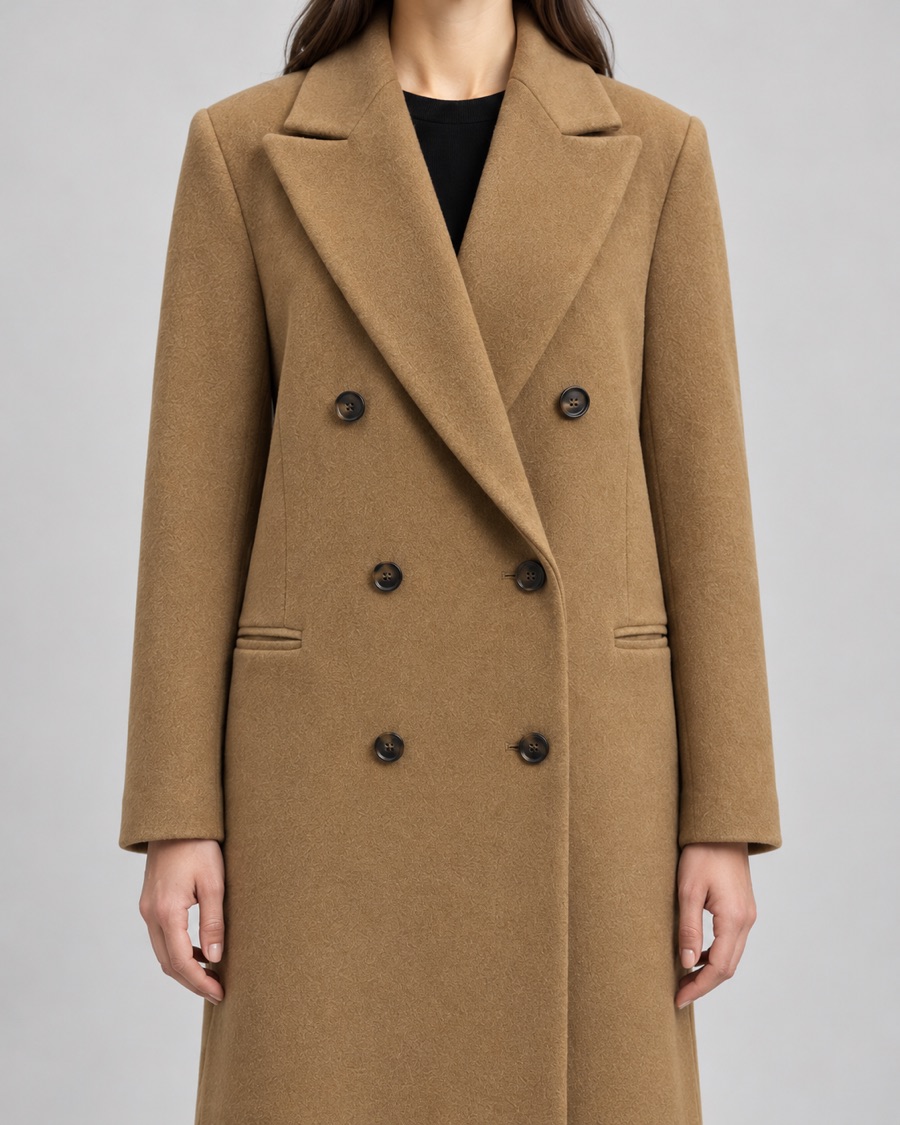
Model wearing the camel overcoat, front view
FrontMain image
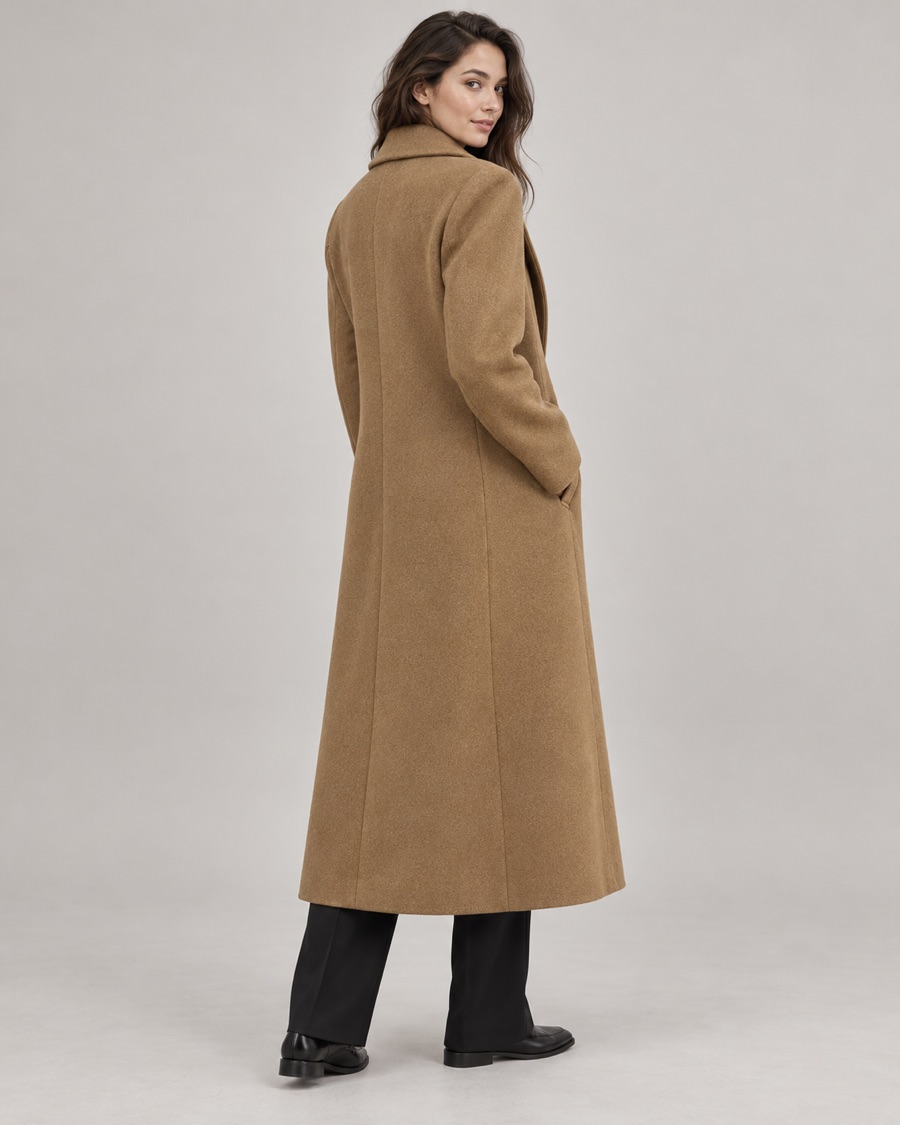
Model wearing the camel overcoat, back three-quarter view
BackAlt view
Close-up of the overcoat lapel, wool texture and buttons
DetailFabric and trims
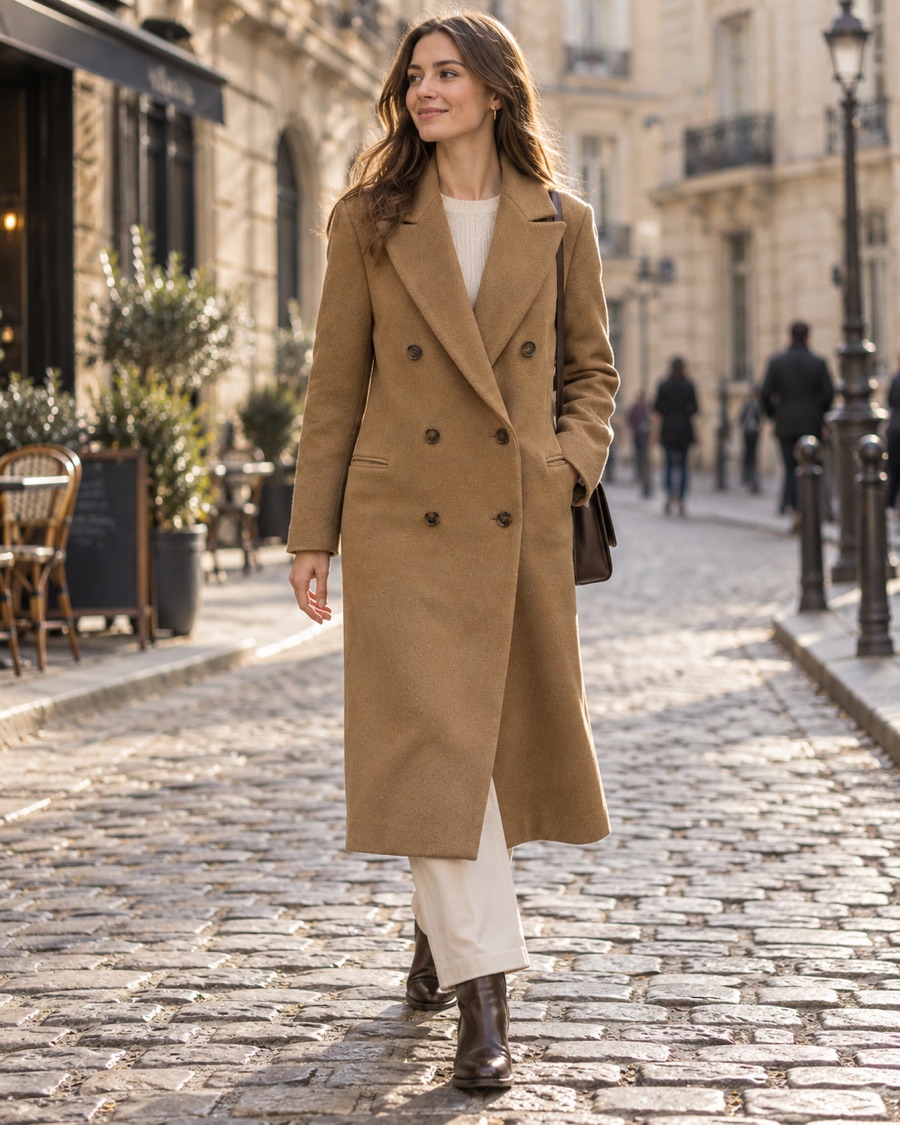
Model wearing the camel overcoat on a cobbled street
LifestyleContext
Title and description

Camel Wool Double-Breasted Overcoat

Your product name and description go up with the images, formatted for your product page.

Alt text on every image

alt="Camel Wool Double-Breasted Overcoat in Camel, front"

alt="Camel Wool Double-Breasted Overcoat in Camel, detail"

Product details

Material, care, colour and size go into the fields your store uses. On Shopify, SEO titles and meta descriptions come from your templates.

Close-up of the overcoat’s peak lapel and buttons
Detail shot: lapel, buttons and wool texture

Built for accuracy

Your garment.
Not a guess at it.

  1. We read the garment first.

    Merchd analyses your garment’s shape, colour and details before it generates anything.

  2. You can review the first image.

    Check the first shot before the rest of the set is made.

  3. Back views are checked.

    Back shots are verified automatically against your back photo and redone when they don’t match.

  4. Fix one shot, or one area.

    Regenerate a single image, or correct one part of it, without redoing the set.

  5. Failed shots are free.

    You’re never charged for a shot that fails.

The overcoat in camel on a model, front view

Colourways

Shoot it once.
Sell every colour.

  • Start from any finished shoot. A new colour keeps your model and your setup.
  • One product on Shopify. Colourways publish as variants of one shared product, matched by colour and size.
  • Rename once. Every colourway follows.
  • Or keep them apart. Any colour can still publish as its own listing.

Grouped variants are available on Shopify. Other stores receive each colourway as its own product.

Video clips

Stills that
move.

Turn a finished shoot into a short vertical clip for your product page, social feed or ads. Clips are built from the shoot’s own images, so the garment matches the stills.

  • StyleStudio turnaround or campaign
  • Format9:16 vertical
  • Length5 to 10 seconds
  • AvailabilityApparel, on selected plans

Brand consistency

Your models. Your look.
Every drop.

Set your look up once.
Every new product lands in the same world.
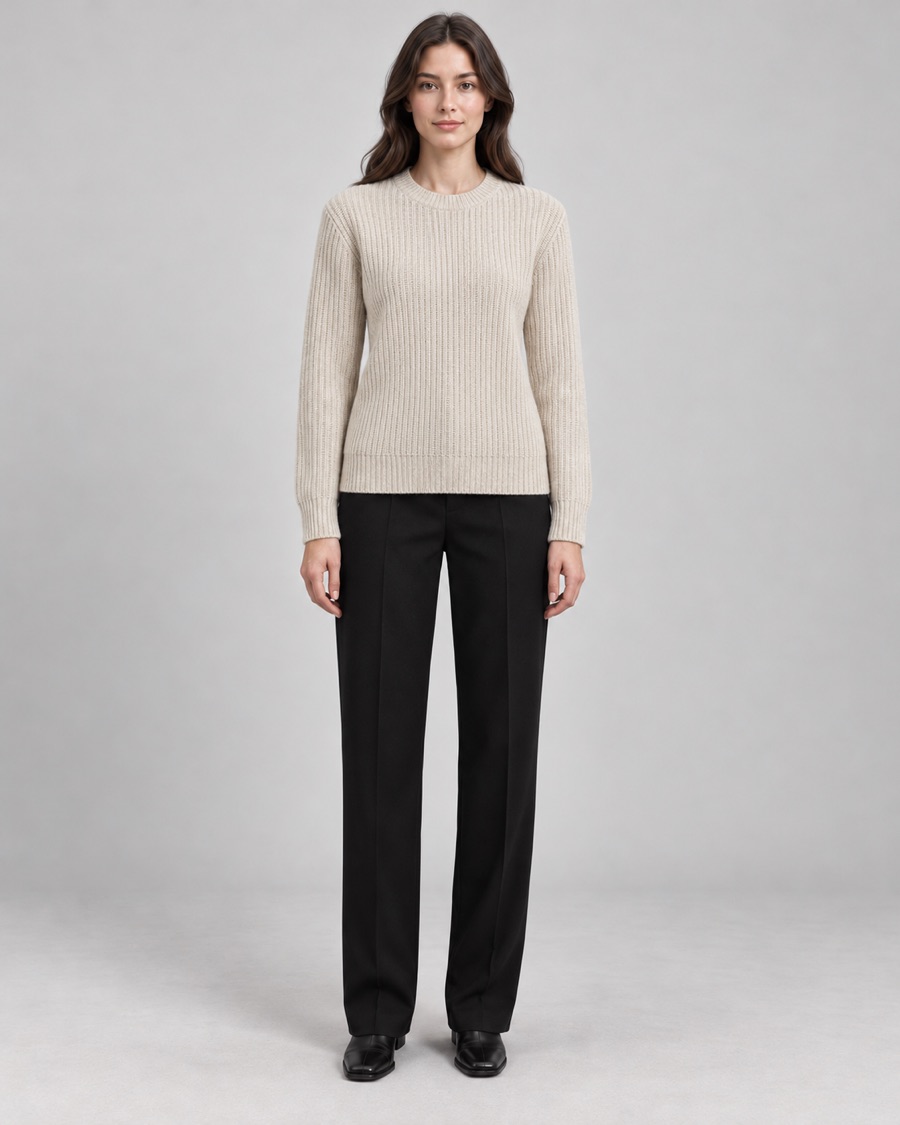
A saved model wearing the camel overcoat The same saved model wearing an oatmeal knit sweater
One saved model, two products

Saved models

Cast a model once and reuse them across your whole catalogue.

Studio presets and backgrounds

Pick from the library or upload your own, then keep them for every drop.

Custom shots

Save the framing your theme needs, so every product page lines up.

Team workspaces

Work together with owner, admin and member roles.

Publish where you sell

Built for the store
you already run.

Merchd fills in the fields your platform uses. No downloading, renaming and re-uploading.

Prefer files? Export the full set to Google Drive or OneDrive.

Shopify

What Merchd sends
Product media
Every image in your set, in order
Alt text
Style, colour and shot on every image
Title and description
Formatted for your product page
SEO title and meta description
Filled from your SEO templates
Metafields
Material, care and any fields you map, such as season or style number
Colourways
One product, with colour and size variants

WooCommerce

What Merchd sends
Product images
The first shot is the main image, the rest follow in order
Alt text
Product name and shot on every image
Description and short description
Long copy for the page, short copy near the price
Attributes
Colour and size
Product data
Material, care and vendor

Magento

What Merchd sends
Media gallery
Images in order, the first set as base, small and thumbnail
Image labels
Product name and image number
Description and short description
Long copy for the page, short copy for listings
Attributes
Colour and size

BigCommerce

What Merchd sends
Product images
The first shot flagged as the thumbnail
Image descriptions
Used as alt text
Description
Formatted product description
Variants
Colour and size
Custom fields
Care instructions and material

Faire

What Merchd sends
Product images
In sequence
Name and descriptions
Description, plus a short description for wholesale buyers
Variants
Colour and size
Prepacks
Wholesale packs set up with the product

Questions buyers ask

Good
questions.

Ask us anything ↗
Who owns the images?

You do. You own your uploads and the images Merchd generates for you, and you can use them commercially, including after your subscription ends. Read section 5 of our terms

Are the models real people?

No. Models are generated by AI for your brand, unless you supply a reference image of a real person you have permission to use.

Is my product data used to train AI?

No. Merchd doesn’t train or fine-tune AI models, on your data or anyone else’s. See the AI providers we use

What do I need to upload?

Clear photos of your product on a mannequin, on a hanger or laid flat. Add a photo of the back if you want back views.

What if a shot is wrong?

Regenerate it, or fix one area of it. Shots that fail are never charged. How many regenerations you get depends on your plan.

Which stores do you publish to?

Shopify, WooCommerce, Magento, BigCommerce and Faire. You can also export to Google Drive or OneDrive.

The Merchd beta

Your next drop,
listed before lunch.

Join the waitlist. We’re onboarding fashion brands selling on Shopify, WooCommerce, Magento, BigCommerce and Faire.

We’ll email you about beta access and product updates. See our privacy policy.